

Explore our new Cybersecurity Terms Glossary, explained by our experts.

Explore our new Cybersecurity Terms Glossary, explained by our experts.
Cybersecurity Terms Glossary
Windows Hello for Business replaces the domain password at sign-in with a key pair held in the TPM, unlocked by a fingerprint, face, or a PIN that never leaves the device.
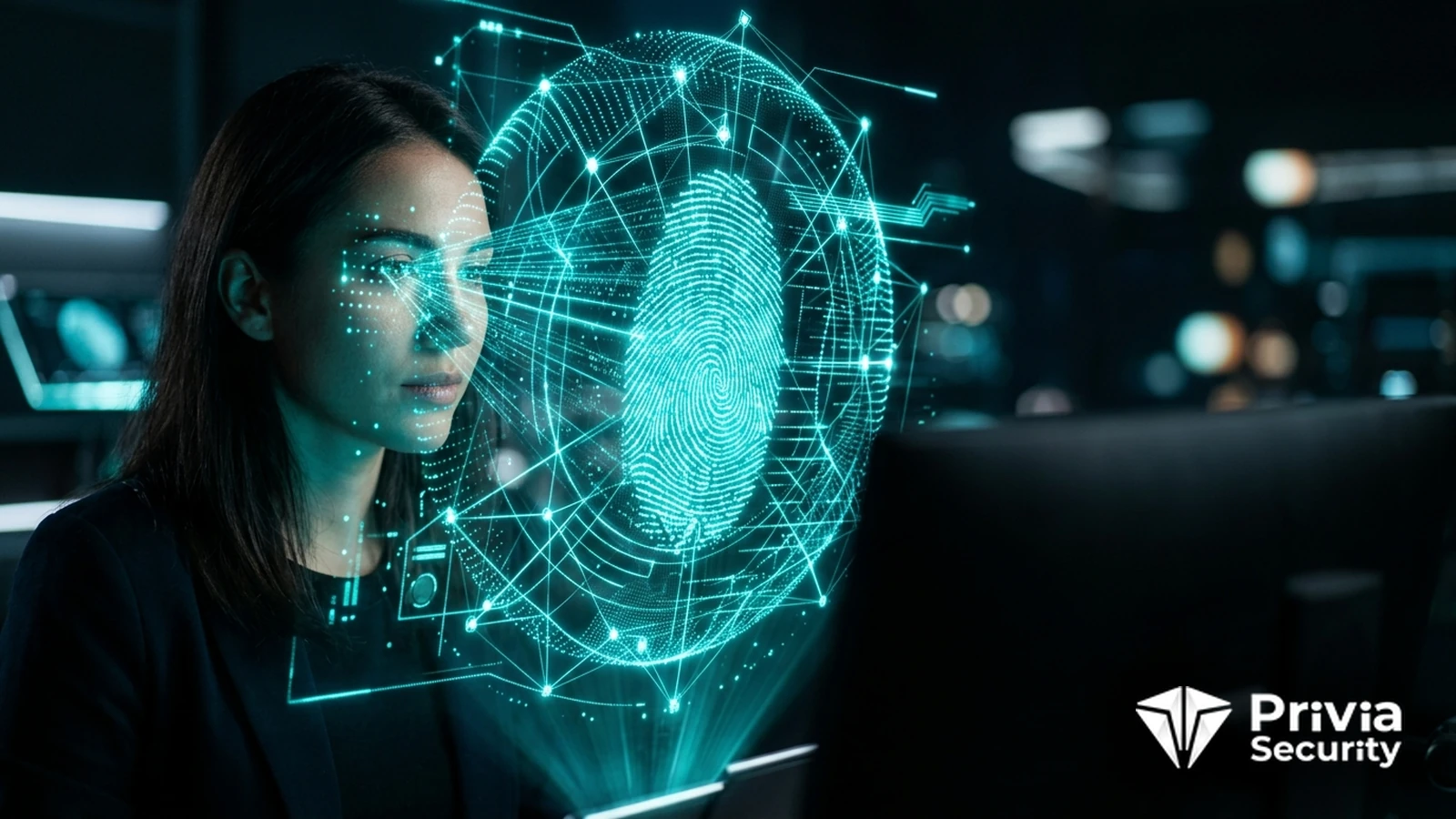
What Is Windows Hello for Business?
The question people ask about Windows Hello for Business is always the same: how is a four-digit PIN safer than a long password? The answer is that they are not comparable things. A password is a secret that travels to a server and can be phished, replayed, or cracked from a stolen hash. A Hello PIN never leaves the device. It unlocks a private key sealed in the Trusted Platform Module, and that key signs a challenge. There is nothing to send and nothing to steal remotely.
The TPM enforces the rest. It rate-limits guesses in hardware and locks out after a configured number of failures, so an offline attack on four digits is not available. And the PIN works only on the device it was set on—knowing it buys an attacker nothing unless they also have the laptop.
At enrolment the device generates an asymmetric key pair inside the TPM. The private key is non-exportable; the public key is registered against the user’s identity in Microsoft Entra ID, Active Directory, or both. The user then sets a gesture—fingerprint, facial recognition, or PIN—which is what releases the key for use.
At sign-in the gesture unlocks the key, the key signs a nonce, and the identity provider verifies the signature. In an on-premises environment this produces a Kerberos ticket-granting ticket by way of a certificate or the key trust model, so the user reaches file shares and applications exactly as they did before. No password is typed, and in a properly configured estate the user may not know their password at all.
Underneath, this is a FIDO2 credential in everything but branding, which is why the same hardware supports both Hello sign-in to Windows and WebAuthn authentication to web applications.
Facial recognition deserves a note. Windows Hello enhanced sign-in security requires infrared depth sensing rather than a plain webcam, which is what makes it resistant to a printed photograph. On devices without that hardware, face recognition is a convenience feature and should not be treated as equivalent.
Three trust models exist and choosing among them is the main planning decision.
| Model | Needs a PKI | Best for |
|---|---|---|
| Cloud Kerberos trust | No | Hybrid estates; the current recommendation |
| Key trust | Certificate on domain controllers only | Hybrid estates without full certificate infrastructure |
| Certificate trust | Full enterprise PKI with user certificates | Legacy requirements and specific compliance cases |
Cloud Kerberos trust, which uses Microsoft Entra Kerberos to issue a ticket-granting ticket for on-premises resources, removed most of the deployment pain that made earlier Hello projects stall. It is the model to start from unless a specific requirement rules it out.
Prerequisites are modest: TPM 2.0, which every business device sold in the last several years has, and which Windows 11 requires anyway. Devices must be joined to Microsoft Entra ID or hybrid-joined. Multi-factor authentication is needed during provisioning, since enrolment is the moment a new credential is created.
Hello removes the password from the sign-in experience; it does not remove the password from the directory. The account still has one, it can still be used elsewhere—on a web portal, a VPN, a legacy application—and it is still sprayable unless you take further steps. Disabling password authentication, or moving the account to a passwordless state where the platform supports it, is a separate and necessary piece of work. Organisations frequently deploy Hello, declare themselves passwordless, and leave the password path wide open.
It also does not protect the session afterwards. A token stolen from a compromised machine works regardless of how the user signed in, which is why conditional access, token protection, and continuous access evaluation remain relevant. And the device itself becomes the credential, so endpoint security, BitLocker, and a clear process for lost or replaced hardware matter more than before.
For administrative accounts, consider whether a separate hardware security key is the better fit. A privileged account that signs in with a credential tied to an ordinary workstation inherits that workstation’s exposure, which cuts across the tiering model described under Active Directory security. For everyone else, Hello is usually the cheapest route to phishing-resistant authentication, because the hardware is already deployed.
At Privia Security, we assess passwordless deployments and endpoint credential exposure in our infrastructure and architecture review services.
Because it is not a credential in the same sense. The PIN never leaves the device; it unlocks a private key sealed in the TPM, which signs a challenge. The TPM rate-limits attempts in hardware and locks out after repeated failures, so guessing is not viable, and knowing the PIN is useless without physical possession of that specific device.
The account still has one unless you take additional steps, and it remains usable on web portals, VPNs, and legacy applications. Deploying Hello without addressing that leaves the password path fully exposed to spraying and phishing. Plan to disable password authentication or move accounts to a passwordless state as a distinct piece of work.
Cloud Kerberos trust for most hybrid environments, because it issues on-premises Kerberos tickets through Microsoft Entra Kerberos without requiring a user certificate infrastructure. Key trust suits organisations with limited PKI, and certificate trust is reserved for specific legacy or compliance requirements. The choice mainly affects how much certificate infrastructure you must build and maintain.
On hardware with infrared depth sensing, yes—that is what distinguishes a live face from a printed photograph, and enhanced sign-in security requires it. On devices with only a standard webcam, face recognition is a convenience feature rather than a security control. Check which sensors your fleet actually has before treating facial recognition as a strong factor.
You May Be Interested In These


We use a few cookies that are needed to make this website work, and they are always on. We would also like to set analytics cookies, to see which pages are useful; functional cookies, so that our live chat works; and advertising cookies, to measure our campaigns. We will not set any of those until you say yes, and you can change your mind at any time from the Cookie Settings link in the footer.
Choose the cookies you are happy for us to use. Strictly necessary cookies are always on; everything else is off until you turn it on.
These cookies keep the website working: they hold your security checks, your form submissions and the choice you make here. The site cannot run without them, so they are always on.
These let our live chat open and remember your conversation, and let the newsletter sign-up work. Switch them off and the chat window will not appear.
These tell us which pages are read and how people find us, so that we can improve the site. The reports are about groups of visitors, never about you personally.
These let us measure our advertising and show you our adverts on other websites, such as LinkedIn, Google and Meta. Switch them off and you will still see adverts, but they will be less relevant.


