

Explore our new Cybersecurity Terms Glossary, explained by our experts.

Explore our new Cybersecurity Terms Glossary, explained by our experts.
Cybersecurity Terms Glossary
A human-machine interface is the screen through which an operator observes and commands an industrial process, ranging from a panel mounted on a machine to a wall of control room displays.
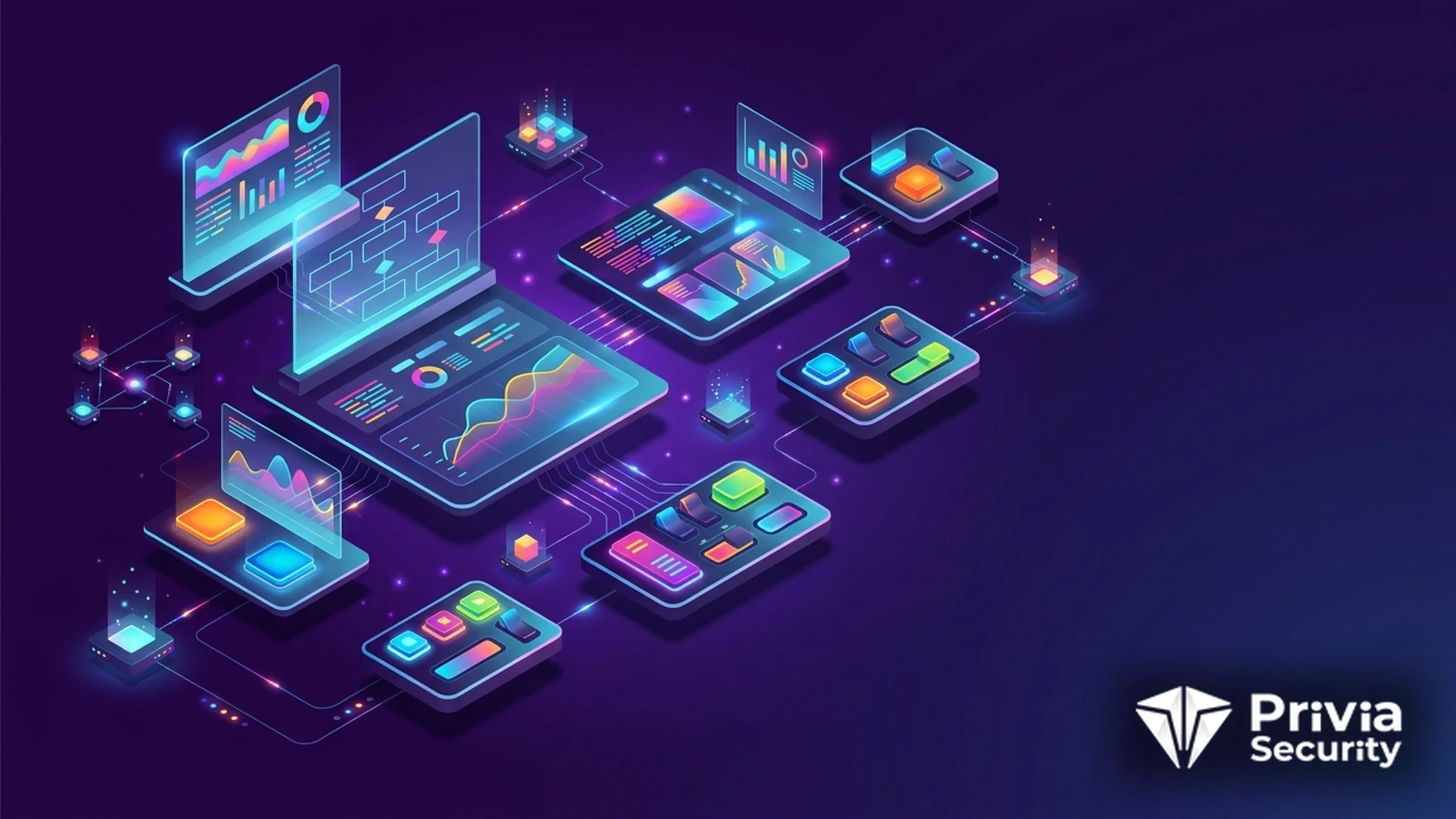
What Is a Human-Machine Interface?
The human-machine interface is where the process becomes visible. It renders tank levels, flows, temperatures, motor states, and alarms as a picture an operator can read at a glance, and it accepts the commands that change them: start a pump, open a valve, acknowledge an alarm, move a setpoint. In the plant it may be a sealed panel bolted to a machine; in the control room it is a set of workstations driving several screens each; increasingly it is also a web page or a tablet application.
It is worth being precise about what the HMI is and is not. It does not control anything. Control logic executes in a PLC, an RTU, or a distributed control system controller, on a scan cycle measured in milliseconds, and it continues whether the HMI is running or not. What the HMI holds is the operator’s picture of reality and the operator’s ability to intervene, which is precisely why it matters to an attacker.
Two different objectives. The first is to use the HMI as a convenient control console: the attacker inherits the operator’s authority and can issue the same commands, with the advantage that nothing about the traffic looks unusual because it is exactly what the HMI always sends. The second, more interesting objective is to manipulate the picture. If the operator’s screen shows normal values while the process runs somewhere else, the human safeguard is removed. Stuxnet did this on the engineering side by replaying recorded process data; the same principle applies wherever the display and the process can be decoupled.
The widely reported February 2021 incident at a water treatment plant in Oldsmar, Florida showed how little effort the first objective takes. A remote access tool was installed on an operator workstation with a shared password, and an operator watched the cursor move and a sodium hydroxide setpoint change by two orders of magnitude before reverting it. Investigators later said that an operator action could not be excluded as the explanation, but the configuration that made the incident plausible was real and is common.
The alarm system deserves its own attention: a flood of nuisance alarms trains operators to dismiss them, which is a security problem as much as a human factors one, and alarm rationalisation under the relevant industry standard pays back in both directions. Hardening of operator stations also sits inside the zone and conduit model of IEC 62443, where the HMI belongs firmly inside the control zone.
At Privia Security, we assess operator stations, their remote access paths, and their project handling within our OT-SCADA Penetration Test.
Usually not. Control logic runs in the controller and continues on its own scan cycle, so a failed HMI removes the operator’s view and ability to intervene rather than the control itself. That is still serious: the plant runs blind, alarms go unseen, and a developing upset may not be noticed. Well-run sites define how long operation may continue without a working interface.
Because requiring authentication during an abnormal condition delays a response that may be safety-critical. The accepted compromise is to leave the session open but restrict what it can do: operate yes, configure no, with kiosk mode, application allow-listing, disabled removable media, and physical protection of the console. Engineering functions use separate named accounts from a separate station.
Yes, in several ways: compromising the HMI software to render recorded or fabricated values, manipulating the data on the wire between controller and interface, or altering the controller so that reported values differ from actual ones. This is why independent local instrumentation and physical rounds matter, and why the operator’s screen should not be the only source of truth.
Not inherently, but they change the exposure. A web interface can be reached from anywhere the network allows, inherits ordinary web application vulnerabilities, and is often published through a convenient port forward. If used, they should sit behind a monitored remote access path with strong authentication, be tested as web applications, and be patched on the vendor’s security releases.
You May Be Interested In These

We use a few cookies that are needed to make this website work, and they are always on. We would also like to set analytics cookies, to see which pages are useful; functional cookies, so that our live chat works; and advertising cookies, to measure our campaigns. We will not set any of those until you say yes, and you can change your mind at any time from the Cookie Settings link in the footer.
Choose the cookies you are happy for us to use. Strictly necessary cookies are always on; everything else is off until you turn it on.
These cookies keep the website working: they hold your security checks, your form submissions and the choice you make here. The site cannot run without them, so they are always on.
These let our live chat open and remember your conversation, and let the newsletter sign-up work. Switch them off and the chat window will not appear.
These tell us which pages are read and how people find us, so that we can improve the site. The reports are about groups of visitors, never about you personally.
These let us measure our advertising and show you our adverts on other websites, such as LinkedIn, Google and Meta. Switch them off and you will still see adverts, but they will be less relevant.


