

Explore our new Cybersecurity Terms Glossary, explained by our experts.

Explore our new Cybersecurity Terms Glossary, explained by our experts.
Cybersecurity Terms Glossary
Volatility is the open-source framework for analysing memory images, reconstructing processes, network connections, injected code, and encryption keys from a snapshot of RAM.
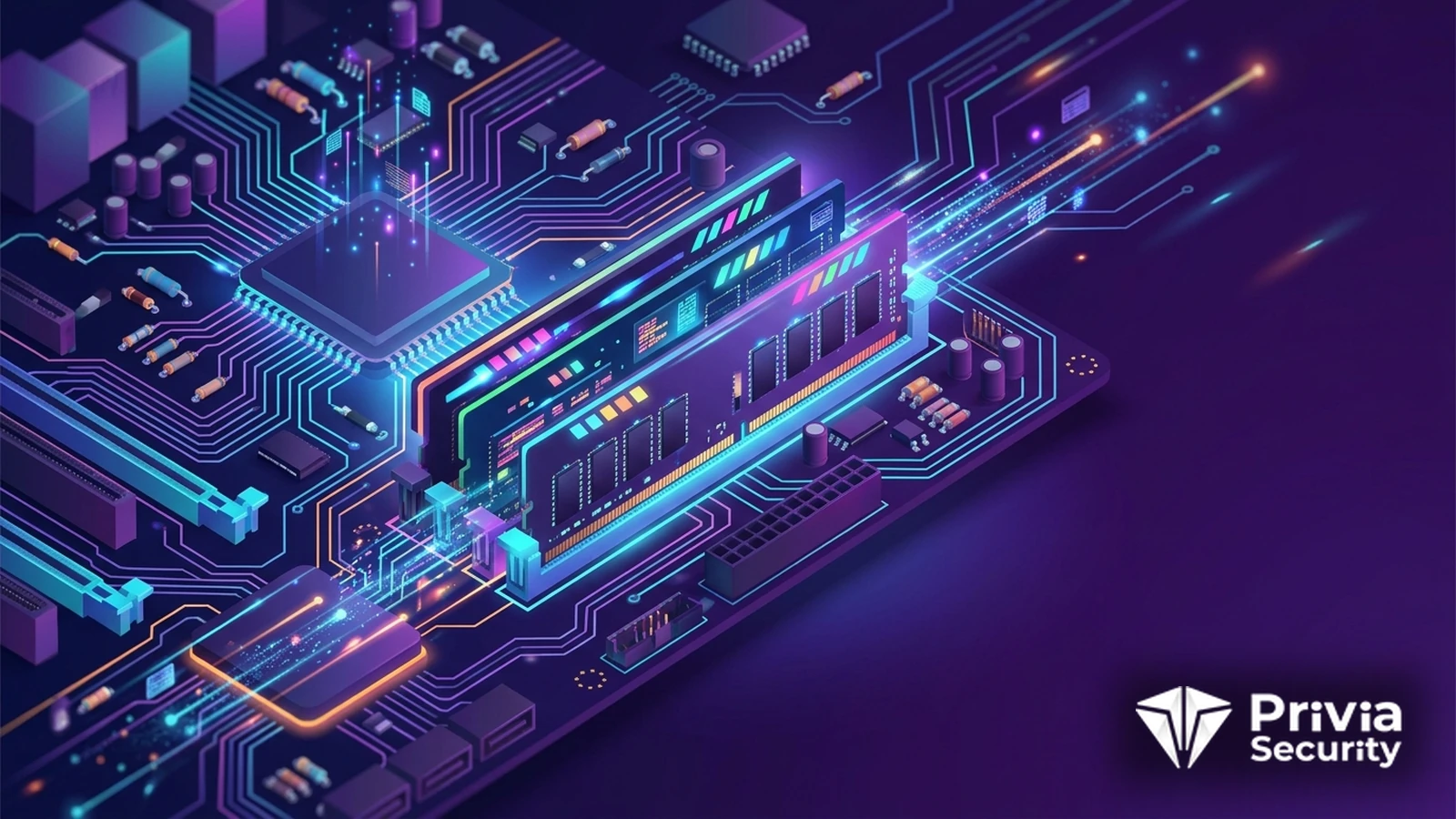
What Is the Volatility Framework?
Volatility takes a copy of a computer’s memory and reconstructs what the operating system was doing when the copy was made. Running processes, open network connections, loaded drivers, command histories, injected code, clipboard contents, and encryption keys all live in RAM, and most of them never touch the disk at all. For investigations involving modern malware, that makes memory the most informative evidence source available.
The framework is written in Python, released under an open licence, and maintained by the Volatility Foundation. It has been the reference tool in memory forensics for over fifteen years, and the annual plugin contest has driven much of the research in the field.
Attackers have spent a decade moving away from files. Payloads are loaded directly into memory, code is injected into legitimate processes, scripts run from a command line and leave nothing behind, and persistence is achieved through configuration rather than binaries. A disk image of such a system can look entirely clean.
Memory does not cooperate with that strategy. Executing code must be mapped into a process, network connections must be tracked by the kernel, and the command that started it all usually remains in the process structure. The constraint is time: memory is volatile, so the evidence exists only until the machine is powered off, which is why acquiring a memory dump comes before almost everything else in a response playbook.
| Plugin family | What it reveals |
|---|---|
pslist, pstree, psscan | Running processes and their parentage; scanning also finds hidden or exited ones |
cmdline, consoles | The exact command lines used, including encoded script arguments |
netscan | Network connections and listening sockets with the owning process |
malfind | Memory regions that are executable and private, the classic signature of code injection |
dlllist, ldrmodules | Loaded modules, and modules unlinked from the loader lists to hide them |
handles, filescan, dumpfiles | Open objects and recovery of files cached in memory |
yarascan | Pattern matching across memory with YARA rules |
The comparison between pslist and psscan is a worked example of why the tool exists. The first walks the list the operating system maintains; the second scans raw memory for process structures. A rootkit that unlinks its process from the list appears in the second output and not the first, and the discrepancy is itself the finding.
Volatility 2 relied on profiles: a precompiled description of the structures used by a specific operating system build, which had to match the image. If no profile existed for that kernel version, analysis stalled. Volatility 3, the current line, replaced profiles with symbol tables generated from debugging information, which removes most of the version-matching pain and improves performance considerably.
Plugin names and output formats changed between the two, and some older community plugins were never ported, so published guidance occasionally refers to commands that no longer exist. New work should start on version 3, with version 2 kept available for the rare plugin that has no successor.
The usual sequence is acquire, triage, correlate. Acquisition uses a dedicated tool, a hypervisor snapshot for a virtual machine, or the hibernation file and crash dump already present on disk. Triage runs the process, network, and injection plugins to establish whether something malicious was running. Correlation then places those findings on a timeline built from disk artefacts with Plaso, so the memory snapshot becomes one well-evidenced moment in a longer sequence.
Memory analysis also recovers material that exists nowhere else: decrypted configuration from a packed sample, credentials in the memory of a browser or an agent, chat fragments, and the keys that unlock a full-disk encrypted volume. That last capability is why seizure procedure for a running machine differs from procedure for a powered-off one.
Record the acquisition method, timestamp, and hash of the image, and work on copies, because chain of custody applies to memory exactly as it does to disks. Expect inconsistency: a dump taken from a live system is a smear across a short interval rather than a true instant, so some structures will be partially updated. And recognise what memory cannot tell you, namely anything that happened before the last reboot. Pair it with disk and log evidence rather than treating it as a complete account.
Our Digital Forensics and Incident Response Services include memory acquisition and analysis as a standard part of investigating suspected intrusions.
Code that never touched the disk, including injected payloads and script-based attacks; live network connections and their owning processes; decrypted data and configuration from packed malware; command lines and console history; credentials and encryption keys held by running software; and rootkit behaviour visible as inconsistencies between operating system structures and raw memory.
Start with Volatility 3 for new work. It replaces the profile system with automatically resolved symbol tables, so you no longer need an exact match for the target kernel, and it performs better on large images. Keep version 2 available for the small number of community plugins that were never ported, and expect some command names to differ.
Use a dedicated acquisition tool run with administrative rights, take a snapshot if the system is virtual, or recover the hibernation file or a crash dump that already exists on disk. Capture before isolating or powering off a machine, record the method and time, and hash the resulting image immediately so its integrity can be demonstrated later.
Yes, with the appropriate symbol information for the kernel in question. Windows support is the most mature because most plugins were written against it, but Linux and macOS plugins cover processes, network state, loaded modules, and injection. Generating symbols for an unusual Linux kernel build requires extra steps, so plan for it before an incident rather than during one.
You May Be Interested In These

We use a few cookies that are needed to make this website work, and they are always on. We would also like to set analytics cookies, to see which pages are useful; functional cookies, so that our live chat works; and advertising cookies, to measure our campaigns. We will not set any of those until you say yes, and you can change your mind at any time from the Cookie Settings link in the footer.
Choose the cookies you are happy for us to use. Strictly necessary cookies are always on; everything else is off until you turn it on.
These cookies keep the website working: they hold your security checks, your form submissions and the choice you make here. The site cannot run without them, so they are always on.
These let our live chat open and remember your conversation, and let the newsletter sign-up work. Switch them off and the chat window will not appear.
These tell us which pages are read and how people find us, so that we can improve the site. The reports are about groups of visitors, never about you personally.
These let us measure our advertising and show you our adverts on other websites, such as LinkedIn, Google and Meta. Switch them off and you will still see adverts, but they will be less relevant.


