Privia Security was chosen as one of Türkiye's fastest growing companies!

Privia Security was chosen as one of Türkiye's fastest growing companies!
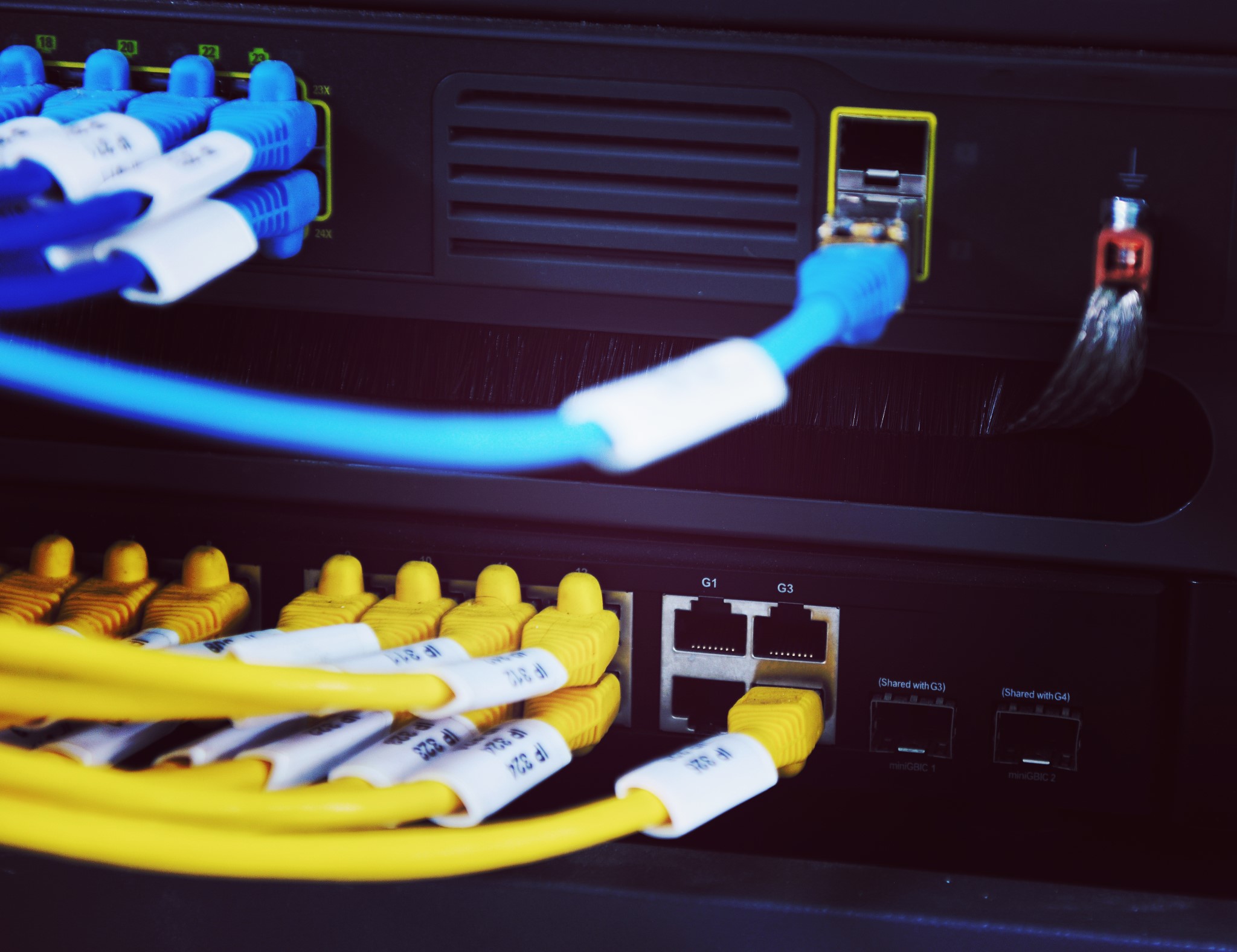
When communication is established between multiple computers over a network, information is exchanged through many protocols. There are different types of network communication protocols for different purposes. These different types of communication that enable network communication are called network communication protocols. These methods, known as communication protocols or network protocols, are a set of accepted standards used to organise data and enable communication under defined rules in order to provide communication between two or more computers.
They can be thought of as a language created for computers or electronic devices to communicate with one another and transfer data. In short, a protocol defines the language, type, and alphabet used for communication between two systems. The reason the term “communication protocol” is used instead of “communication language” in network communication is that when computers were invented, the word “language” was already in use for programming languages. This is because many communication methods use more than one computer protocol (language) rather than a single one. Each protocol has a specific purpose and normally operates over a specific port.
Electronic systems do not use a single protocol for network communication. Instead, many protocols are combined to communicate over a protocol family.
The table below lists some of the most important protocols used between computers or devices.
| Protocol | Purpose | Port |
|---|---|---|
| FTP (File Transfer Protocol) | Used to transfer files between computers. | 20, 21 |
| SSH (Secure Shell) | A secure way to transfer files and remotely log into and manage a system. | 22 |
| Telnet (Remote Access) | Used to remotely log into a system. | 23 |
| SMTP (Simple Mail Transfer Protocol) | Used to send email. | 25 |
| DNS (Domain Name System) | Used to translate URLs into IP addresses. | 53 |
| TFTP (Trivial File Transfer Protocol) | Used for a fast but less reliable FTP server. | 69 |
| HTTP (Hypertext Transfer Protocol) | Used to view web pages. | 80 |
| POP3 (Post Office Protocol v3) | Used to receive email. | 110 |
| NNTP (Network News Transfer Protocol) | Used for network news groups. | 119 |
| NetBIOS | A very old protocol used to name systems on a local network. | 137, 138, 139 |
| IRC (Internet Relay Chat) | Used for chat rooms. | 194 |
| HTTPS (Hypertext Transfer Protocol Secure) | An encrypted web page viewing protocol. HTTP + (SSL/TLS) | 443 |
| SMB (Server Message Block) | Used by Microsoft Active Directory. | 445 |
| ICMP (Internet Control Message Protocol) | Used for simple packets containing error messages, information, and control messages. | – |
We would also like to point out that there are hundreds of additional protocols beyond this list. All of these protocols are part of a protocol group called TCP/IP (Transmission Control Protocol / Internet Protocol). We would also like to remind you that having extensive knowledge of these protocols and ports is essential in the world of cybersecurity. When a cybersecurity professional performs a penetration test, they must have thoroughly understood and gained experience with network communication and the logic of ports.
The most important point in network communication is that communication takes place via packets, and that these packets are transmitted according to specific protocols depending on the type of communication taking place.
When ports are mentioned, the first thing that might come to mind is the USB, serial, or similar connection points on the back of a computer or on the motherboard. However, the ports we refer to in network communication are not the input/output sockets of computers! Let us keep that in mind as we continue. Ports in network communication are connection points or identifier points. They have a numerical representation (21, 22, 80, 443…) for a specific communication path.
Regardless of the port used, all network communications reach your computer via the connection on the NIC (such as ethernet or wifi). You can think of a port as a channel on your television. You probably have a satellite cable coming into your television. However, you can watch many channels over a single cable. We can think of channel numbers as ports, and each channel as a protocol. The cable coming into your computer enables network communication. At the same time, you can use many different ports over that cable (or via Wi-Fi) and communicate using many different methods.
You May Be Interested In These