Privia Security was chosen as one of Türkiye's fastest growing companies!

Privia Security was chosen as one of Türkiye's fastest growing companies!
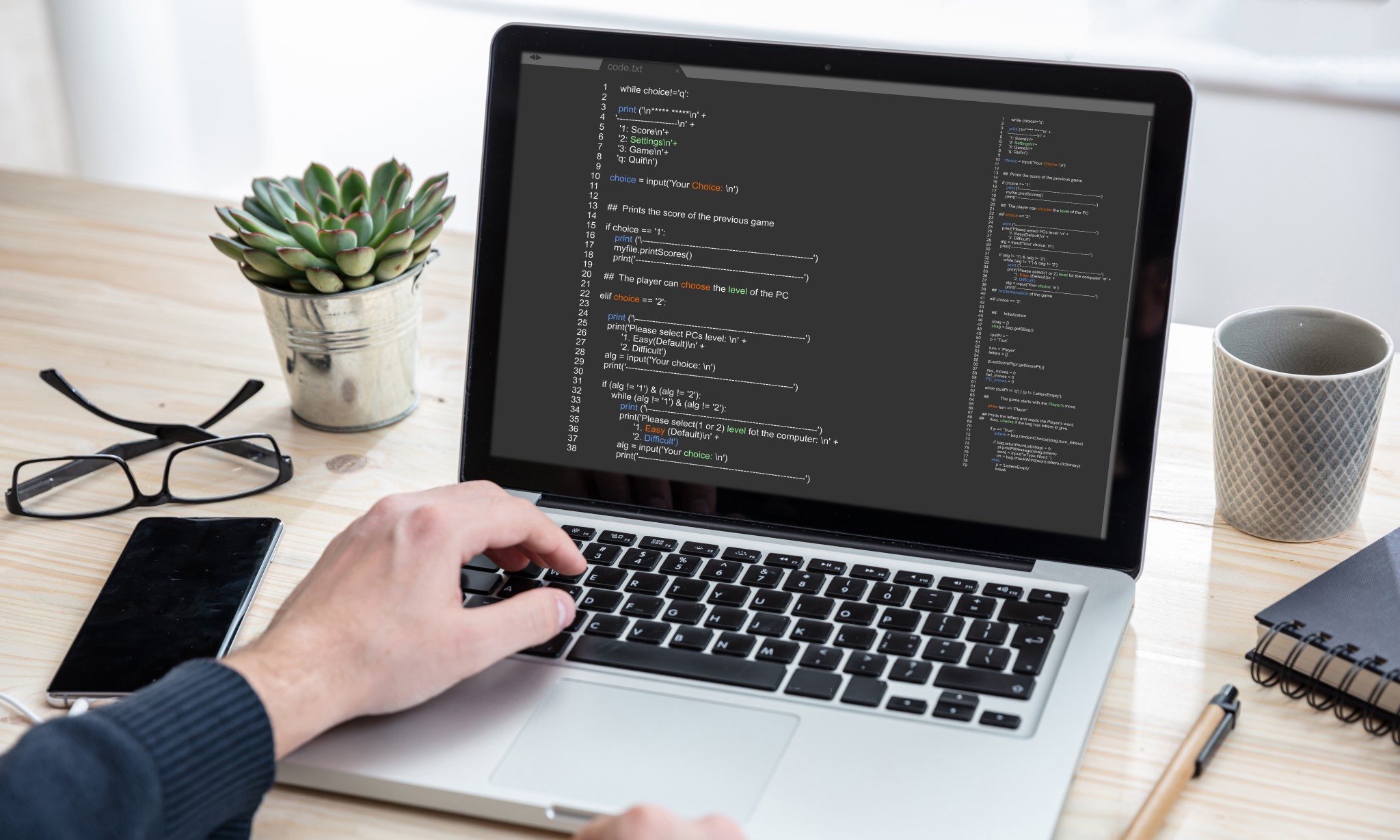

An in-depth review of Linux security is a genuinely technical subject. One reason for this is the variety of Linux installations and the many points that differ as a result. Users may be using Debian, Red Hat, Ubuntu, or other Linux distributions. Some may be working from the shell, while others may be using graphical user interfaces such as KDE or GNOME. Fortunately, many of the security concepts applicable to Windows can also be applied to Linux.
User and account policies should be set in Linux just as in Windows Security Configurations, with only a few minor differences. These differences relate to using different names in Linux rather than Windows. Linux does not have an administrator account; it has a fully privileged root account called root.
In addition to some security settings shared between Windows and Linux, a few approaches may differ between the two operating systems.
Every running service (in the background) is code running at a certain privilege level on the server. If there is a security vulnerability in that code, it means a potential weakness that can be exploited by an attacker.
Many operating systems come with a set of services that are enabled by default, many of which you will not use. These services should be disabled in order to reduce the attack surface on your servers. However, before disabling a service, it is advisable to determine exactly what it does and whether it is actually needed. Otherwise, you may damage your operational capacity and business continuity.
There are several ways to determine which services are running in the background on a UNIX system. The easiest is to use the “ps” command to list running services.
The “ps ax” syntax works on most systems and lists all running processes. For minor syntax variations in your operating system, you can review the “ps” manual page using the “man ps” command.
Services (the startup command) should be disabled using “rc” or “init” systems. On Linux, commands are typically “rc-update”, “update-rc.d”, or “service”. On BSD-based systems, you can generally edit the /etc/rc.conf file.
As an example, on various versions of Linux the service command can be used to stop the sshd service:
service sshd stopTo prevent SSHD from starting again after a restart, use:
update-rc.d -f sshd removeSome Linux distributions have moved towards using “systemd” rather than SysV startup scripts to manage services. “Systemd” can be used to perform many service-related management functions such as reconfiguring and displaying dependency information.
systemctl disable sshdThis command sets the SSH service to be disabled — i.e. it will not run when the operating system restarts.
Older Unix/Linux operating systems used inetd or xinetd to manage services instead of rc or init scripts. In this case, services can be disabled by editing the inetd.conf or xinetd.conf files, which are usually located in the /etc/ directory.
Most Unix/Linux filesystems have a permissions concept. That is, files can be configured to be readable, writable, or executable by specific users and groups.
Generally, an operating system sets adequate file permissions on system files during installation. However, when creating files and directories, permissions are created according to your umask settings. As a general rule, the umask on a system should only be made more restrictive than the default. Situations where a less restrictive umask is required should not be common enough that chmod cannot be used to address them on a case-by-case basis. Your Umask settings can be viewed and edited using the umask command. For more information on this subject, review the “umask man” pages.
Incorrect file permissions make files readable by users other than those for whom they are intended. Many people leave files readable by everyone or by a group, on the assumption that a user must authenticate to log into a host.
Consider a system running a web server such as Apache, nginx, or lighttpd. These web servers typically run under their own user identities, such as “www-data”. If you grant “www-data” permission for files you create, the web server will have the right to read those files, and their contents can be viewed using a browser.
File Integrity Management tools monitor key files on the filesystem and notify the administrator if they change. These tools are designed to prevent tampering with key system files — such as in a rootkit scenario — or to prevent changes being made to files without the administrator’s knowledge.
Both commercial tools and free/open-source tools are available through your preferred package management utility. Examples of open-source tools that perform file integrity monitoring include Samhain and OSSEC.
Alternatively, if you are unable to install file integrity monitoring tools for any reason, many configuration management tools can be configured to report on modified configuration files in the filesystem as part of their normal operations. This is not their primary function and they do not offer the same level of coverage.
Disk partitions in Unix/Linux are used not only to distribute the filesystem across various physical or logical partitions, but also to restrict certain types of actions depending on which partition they reside in. Options can be placed on each mount point in /etc/fstab.
There are minor differences between different versions of Unix/Linux, so it is recommended to consult the system manual before using the options. Some of the most useful and commonly used mount point options from a security perspective are as follows.
Interprets any special development devices. This option should be used if no special devices are expected. Typically only the /dev/ mount point contains special dev devices.
Some basic system functions such as su and sudo use setuid execution. We advise caution. Attackers may try to use setuid binaries as a method for backdooring a system to quickly gain root privileges from a standard user account. Setuid execution is likely not necessary outside of the bin and sbin directories installed on the system. You can check the location of setuid binaries using the following command:
$ sudo find / -perm -4000Mount the filesystem as read-only. If data does not need to be written or updated, this option can be used to prevent modification. This will prevent an attacker from modifying files stored in that location, such as configuration files and static website content.
Prevents execution of any type on the specified mount point. This can be set on mount points that are used exclusively for data and document storage. It prevents an attacker from using the location as an entry point to execute tools they may have uploaded to the system.
chroot changes the apparent root directory for a running process and its children. Its most important aspect is that it prevents the process inside the chroot from accessing files outside the new apparent root directory. This is particularly useful for ensuring that a poorly configured or exploitable service cannot access more privileges than required.
However, it should be noted that there is a common misconception that chroot simply provides security features it does not in fact offer. Escaping a chroot jail is not impossible, especially if the process inside the chroot is running with root privileges. Generally, processes specifically designed to use chroot minimise this risk. Additionally, the behaviour of chroot may vary slightly between operating systems.
Log files are an extremely important source of information from a security perspective. They record all activities on your system and can be invaluable in detecting intrusions or anomalies. On Linux systems, log files are typically stored in the /var/log/ directory.
Key log files to monitor include:
It is important to regularly review these log files or use automated tools to detect suspicious activity. Tools such as logwatch, logcheck, or SIEM solutions can make this process more manageable.
Properly managing user accounts on Linux is one of the most fundamental security measures. Strong password policies, account lockout mechanisms, and regular account audits should all be implemented.
Key user account security measures include:
These measures significantly reduce the risk of unauthorised access and privilege escalation attacks on Linux systems.
You May Be Interested In These