

Explore our new Cybersecurity Terms Glossary, explained by our experts.

Explore our new Cybersecurity Terms Glossary, explained by our experts.
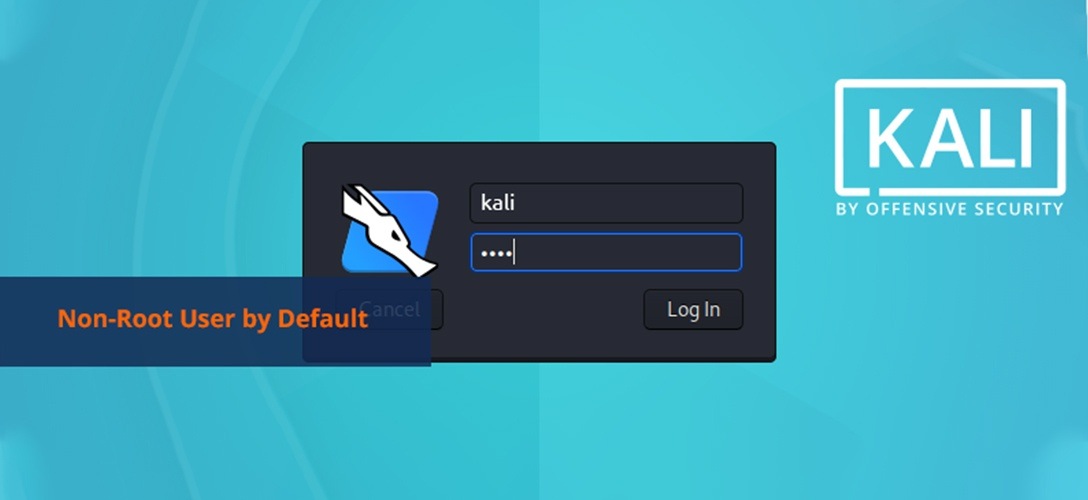
Kali is a distribution that comes with a “root” user by default. With the upcoming 2020.1 release, a decision was made to change this system. With the new release, a new non-root user will be defined as the default user during Kali installation. The new version is planned to be released at the end of January or beginning of February. The feature of Kali distribution coming with a default root user traces back to BackTrack.
The reason why Kali has historically used root as the default user is that most of the tools used in penetration testing require root-level access. However, this approach carried risks — if any tool or service contained vulnerabilities, an attacker could exploit them with root privileges already in place.
With version 2020.1, the Kali team decided to align with standard security practices used by other major Linux distributions. During fresh installations, users will now be prompted to create a standard user account, with root access available through sudo when required. The default credentials for live boot sessions will also change from root/toor to a standard user with sudo privileges.
This change reflects the evolving nature of penetration testing workflows, where most modern tools no longer strictly require a persistent root session. The Kali team noted that this change will bring Kali more in line with best practices without significantly impacting the experience of experienced users, while making the distribution safer and more accessible for newcomers to the field.
You May Be Interested In These



We use a few cookies that are needed to make this website work, and they are always on. We would also like to set analytics cookies, to see which pages are useful; functional cookies, so that our live chat works; and advertising cookies, to measure our campaigns. We will not set any of those until you say yes, and you can change your mind at any time from the Cookie Settings link in the footer.
Choose the cookies you are happy for us to use. Strictly necessary cookies are always on; everything else is off until you turn it on.
These cookies keep the website working: they hold your security checks, your form submissions and the choice you make here. The site cannot run without them, so they are always on.
These let our live chat open and remember your conversation, and let the newsletter sign-up work. Switch them off and the chat window will not appear.
These tell us which pages are read and how people find us, so that we can improve the site. The reports are about groups of visitors, never about you personally.
These let us measure our advertising and show you our adverts on other websites, such as LinkedIn, Google and Meta. Switch them off and you will still see adverts, but they will be less relevant.


