Privia Security was chosen as one of Türkiye's fastest growing companies!

Privia Security was chosen as one of Türkiye's fastest growing companies!
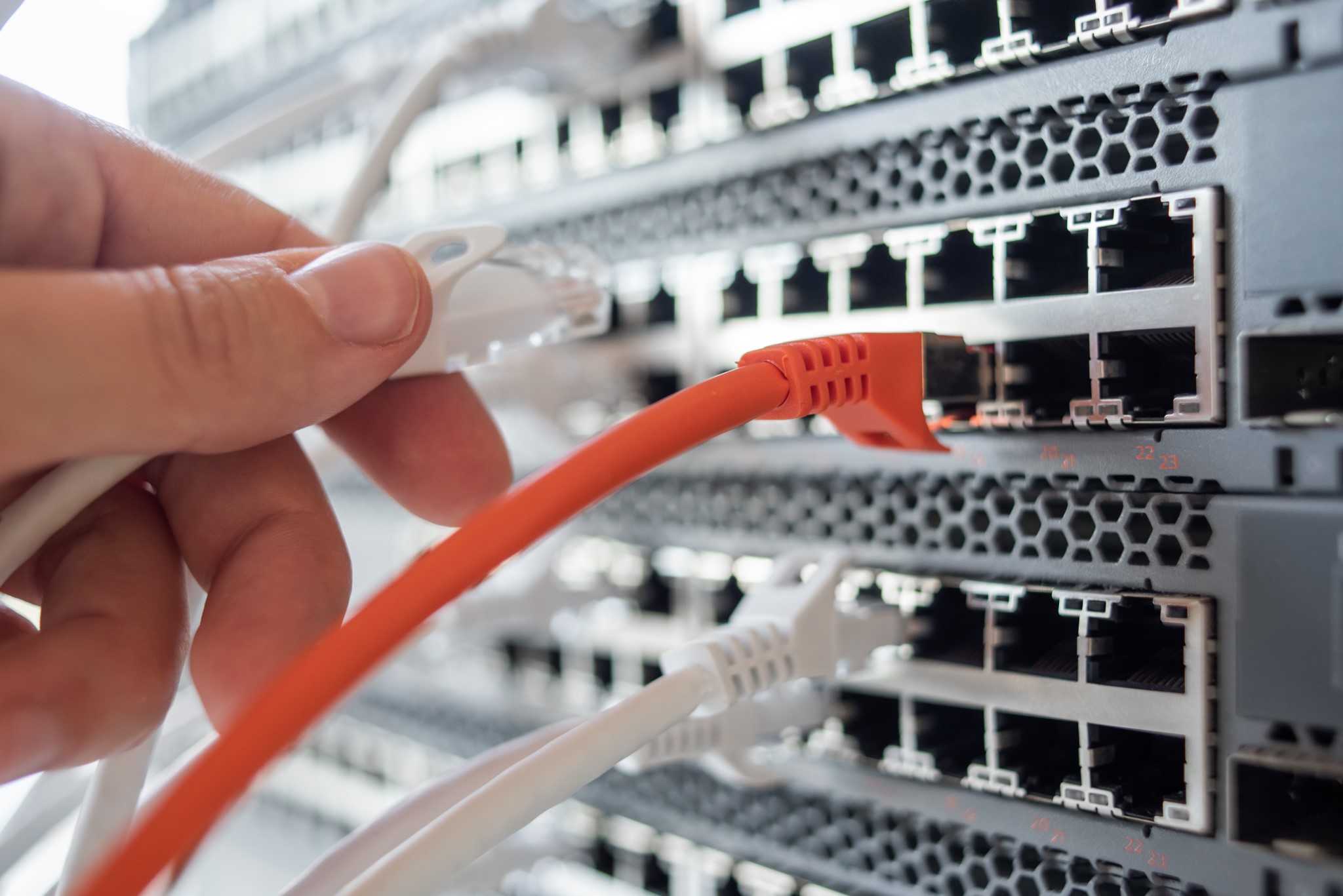
Networks appear before us in small or large structures. Connecting two or more computers to one another creates a small network. Regardless of whether networks are small or large, they are an infrastructure (LAN) technology that connects various devices to one another for the purpose of data sharing. Small networks combine to form what we call wide area networks (WAN), wide networks combine to form even larger networks, and large networks combine to form the Internet.
With the development of technology and the rapid spread of the internet across the entire world, we can now meet all our needs through the internet and have transferred our lives to the virtual world. The internet has become an indispensable need like air and water.
What matters most to us — rather than how large or small a network structure is — is ensuring its cybersecurity, i.e. keeping your network safe. Before attempting to examine network security, it is important to fully understand the basic structures of networks. We would also like to note that this information serves as a brief introduction to basic network concepts.
A network is a way for computers, servers, mobile devices, or devices such as IoT to communicate with one another.
Physically, these structures consist of all the machines you want to connect and the devices you use to connect them. Individual devices (such as phones, tablets, and laptops) connect to other computers via a physical or wireless connection. To connect multiple machines to one another, each machine must be connected through devices called hubs or switches, and then these hubs or switches are connected to one another. In larger networks, routing devices called routers come into play, and each sub-network is connected to others via a router. The general operating principle of networks is communication that allows one machine to communicate with another.
There must be some boundary points between your network and the outside world. As an example of these connection points, in corporate networks the most commonly used boundary devices are firewall devices — referred to as security walls (güvenlik duvarı). These devices create a barrier between your network and the external network or internet, applying access restrictions. Authorised access can communicate data, while unauthorised access is blocked. These authorisations consist of the set of rules defined on the firewall devices. Thanks to these rules, it is possible to impose specific restrictions on communications between computers and your networks.
We would like to remind you that not every connection method on the internet or in internal communications constitutes a legitimate connection, and that there is always the possibility of a cyber attack among these connections. In today’s world of cybersecurity, we must never forget that an attack arrives every second, regardless of whether the target is large or small!
The first step towards learning how to protect a network and putting that knowledge into practice is to understand in detail how computers communicate over a network. Corporate networks consist of ethernet cards, switches, routers, hubs, and firewall devices. These devices are the fundamental physical components of a corporate network. The manner in which they are connected and the format they use for communication is referred to as network architecture.
When you connect to a network via a physical or wireless connection, a network connection is established. Once this connection is established, you can begin sending data between two computers.
First, you need to determine which device or computer you want to send the data to.
All network devices and computers must have a unique identity — much like a national identity number — when joining a network. This identity is called an IP address. There is a unique IP address in the format of four blocks between 0 and 255, such as 192.168.1.123. These IP addresses must be assigned to each computer or network device when it joins the network. Communication between computers begins through these identities. IP address assignment can be done automatically or manually. A network device operating on the network can automatically or manually assign IP addresses to those joining the network, and there are also systems that do this via software.
In the second part, to be able to send data, you need to determine your data communication format.
Computers can fundamentally only read the numbers 0 and 1. In the electronic circuits inside computers, 0 means no electricity, while 1 means an electrical signal is present. All data is actually created and transmitted in a computer’s language in the binary (ikilik) system.
In our normal lives, we use the decimal (base-10) number system. The decimal number system consists of the digits 0, 1, 2, 3, 4, 5, 6, 7, 8, and 9. In the decimal system, after single-digit numbers reach 9, we move to a second digit — double digits. In the binary number system, there are no digits other than 0 and 1, so after the digit 1, we move to the next place value.
The place values progress as 10⁰, 10¹, 10², 10³, 10⁴… When we break down the number 123 according to the decimal system from right to left, it reads: (3×10⁰) + (2×10¹) + (1×10²). That is: (3×1) + (2×10) + (1×100) = 123.
In mathematics, in addition to the decimal system, there are also hexadecimal (base-16) number systems, octal (base-8) number systems, and binary (base-2) number systems. Computers also work with mathematics — specifically the binary number system.
The electronic circuits in computers either conduct electricity or they do not. In this case, 0 means no electrical signal, and the digit 1 means an electrical signal is present. Naturally, computer language is solely and entirely the binary system composed of 0s and 1s. By the nature of electrical signals in computer language, a third definition has never existed.
In the binary system too, there are only 0 and 1. When the digit 1 is defined in 8-bit computer language, it is expressed as 00000001, and when the digit zero is defined, it is expressed as 00000000. In this expression, each character represents one bit, while 8 characters together form a size of 8 bits. 8-bit numbers in computers correspond to 1 byte.
For example, if we want to write the decimal number 21 in computer language (binary), we get 00010101, which corresponds to 8 bits. When converting a binary number to decimal, we again use powers and break it into place values. The place values progress as 2⁰, 2¹, 2², 2³, 2⁴…
The number 21 in decimal = (1×1) + (2×10) broken into place values from right to left; while the number 00010101 in binary is converted as follows:
00010101 = from right to left: (1×2⁰) + (0×2¹) + (1×2²) + (0×2³) + (1×2⁴) + (0×2⁵) + (0×2⁶) + (0×2⁷). The sum of these numbers in decimal is (1) + (0) + (4) + (0) + (16) + (0) + (0) + (0) = 1+4+16 = 21.
In short, by converting every number into binary, we can record, process, or send it as data in computer language. Of course, this is not only applicable to numbers. Standards such as Unicode and later UTF were developed for letters. For example, the Unicode equivalent of the letter A typed on the keyboard in the decimal system corresponds to the number 65. When you press the letter A on the keyboard, the decimal number 65 is recorded and processed as 01000001 in binary, i.e. in computer language. Letters, colours, photographs, documents, and all other types of data are converted to numbers according to specific standards and translated into computer language in binary. The initial 8 characters — i.e. 8 bits — mentioned at the outset subsequently gave rise to developments such as 16-bit, 32-bit, 64-bit, and 128-bit (for representing larger numbers).
Let us return to our subject: data packets…
All of this binary data is placed into packets that are smaller than 65,000 bytes. The first few bytes in these packets constitute the header information. The header part contains information about where this packet is going and where it came from. It also shows that it is the precursor to and part of packets that will follow. All of this information is contained in what we call the header portion of the packet. Although this is a simplified explanation, we would also like to underline that technically there can be more than one header.
Some cyber attackers can modify the packet header in what we call IP Address Spoofing attacks, and can redirect packets using a type of attack called Spoof. In short, the source address (the computer sending the data) contained in the data packet can be changed and forwarded to the other party. This way, the source is concealed — or even shown as someone else — causing the response to be directed to that other party.
IP spoofing refers to data packets created with a modified source IP address. The concept of IP spoofing was first discussed in academic circles in the 1980s.
By modifying the IP header to contain a different address, the attacker can make the packet appear to have been sent by a different machine. The computer on which the attack is carried out cannot see the real source, and when a response is returned, it is directed to the (modified) IP address listed in the header information. IP spoofing can theoretically be performed with all protocols. In practice, it can be carried out with applications using UDP, but not with applications using TCP. The reason for this is the requirement for a three-way handshake in TCP and the fact that the sequence number in the packet header cannot be predicted. We will address the TCP three-way handshake in more detail later.
IP spoofing is frequently used in DDoS attacks. The goal in such attacks is to overload the target computer to such a degree that it cannot respond and its capacity becomes exhausted. Since each fake packet appears to come from a different address, filtering becomes more difficult.
Legal Use of the IP Spoofing Technique
Not all fake IP packets are malicious. For performance testing of websites, hundreds or even thousands of “Vusers” (virtual users) can be created, each executing a test script against the website being tested — simulating what happens when a large number of users log in at least once — in simulation applications or load testing applications.
Other attack techniques are generally focused on capturing the packet or reading the packet’s content, which can lead to more dangerous outcomes. In common communication methods, a packet has more than one header. Most packets can have at least 3 or more headers. These headers show the IP header, source and destination IP addresses, and information such as which protocol the packet is using.
TCP packet headers also contain information such as port numbers. Ethernet headers also include specific information such as MAC addresses for source and destination. In secure communication protocols, a special header is also included. For example, if a packet is encrypted for security (e.g. TLS), it must have a TLS header.
Note: Our next article will continue with Network Security and IP Addresses.
Author: Hamza Şamlıoğlu
You May Be Interested In These