Privia Security was chosen as one of Türkiye's fastest growing companies!

Privia Security was chosen as one of Türkiye's fastest growing companies!
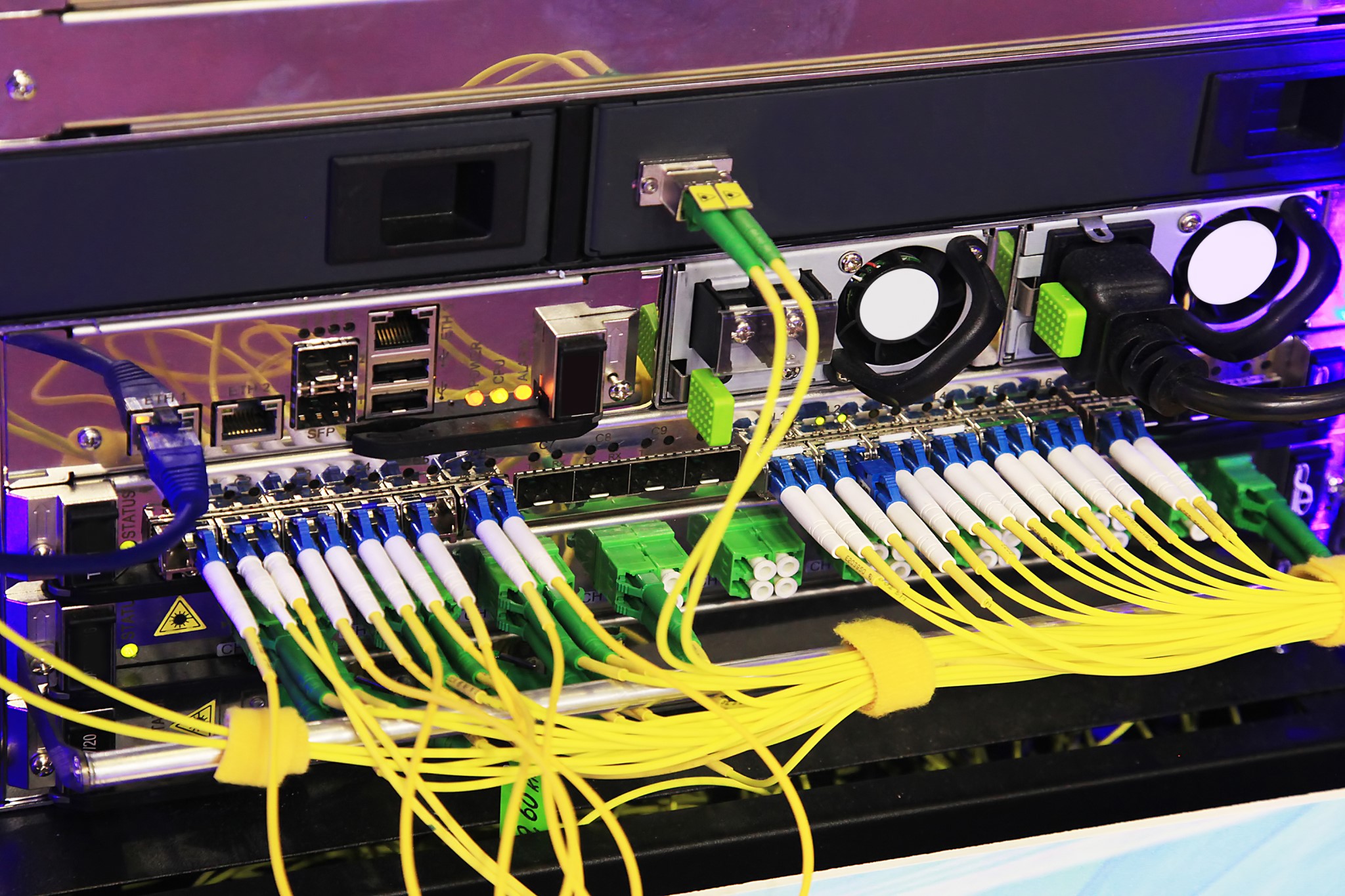
MAC addresses are an interesting and largely unknown subject. A MAC address is a unique address for your network interface card (such as ethernet or Wi-Fi). It is derived from the abbreviation of the words Media Access Control. Every NIC in the world has a unique address represented by a six-byte hexadecimal number. This address is assigned to the card when the hardware is manufactured. The Address Resolution Protocol (ARP) uses this hexadecimal number to convert IP addresses to MAC addresses. The ARP protocol then translates this IP address into the specific MAC address of a single NIC.
According to IEEE standards, the first three bytes (24 bits) of a MAC address identify the manufacturer. This part of the address is known as the Organisationally Unique Identifier (OUI). The OUI helps professionals identify the manufacturer of a MAC address. In other words, a MAC address is information encoded onto the ethernet card by the manufacturer. The remaining three bytes (24 bits) are also assigned by the manufacturer. The MAC address totals 48 bits.
A MAC address (Media Access Control) serves to identify the network hardware connected to a device on a computer network. As an example, we can point to the network card you use to access the internet on your computer. This network card has its own unique MAC address. Since a MAC address is a 48-bit address, it is used to identify 2 to the power of 48 (2⁴⁸), that is, a total of 281,474,976,710,656 different network cards.
A MAC address (Physical address or Hardware address) enables network hardware to be identified. Each piece of hardware has a unique address. No two network devices will ever share the same MAC address. Just as we stated in the context of IP addresses that every IP connecting to the internet is a unique number, similarly the ethernet hardware enabling that connection also has a unique MAC address.
A MAC address consists of 6 octets. The first 3 octets indicate the company that manufactured the hardware. The last 3 octets identify the hardware itself.
A MAC address enables communication only within local networks. It has no relation to the internet. It is an identification element within the local network. The IP address you connect to on the internet can be seen and learned. However, learning a MAC address is not quite so simple or easy. In short, it is an address that cannot be carried outside of the internal network. It only enables computers or other devices on the same network to identify each other. Communication between two network devices on the same network is made possible by the MAC address. If two devices on the same network share the same MAC address, communication may be cut off by the device responsible for IP assignment on the network, or the devices may drop from the network and cause packet losses.
MAC addresses are found not only on ethernet cards but also on other hardware such as Wi-Fi, Bluetooth, and SCSI.
When writing MAC addresses, they are written in hexadecimal notation with two-colon (:) separators between each block. An example would be 01:02:03:04:05:AB. Some MAC addresses are specially classified.
You can use the following commands to find out your MAC address, depending on your operating system.
MAC addresses operate at the sub-layer of the Data Link Transfer, known as the Media Access Control Level. In the OSI model, they operate at the Physical Layer. MAC addressing provides mechanisms for addressing and controlling access to channels. This enables multiple terminals or access points to communicate with each other.
Many network security devices feature MAC control. This allows precautions to be taken against unknown devices that may join your network. When an unknown MAC address joins the network, these security devices block it from communicating.
Wi-Fi modems are popular and frequently used devices today. The Wi-Fi passwords of these devices can be cracked. Especially if an older protocol such as WEP is being used, it is only a matter of time before it is cracked. At this point, MAC matching can be used as one of the measures taken on many modems to protect Wi-Fi networks. To protect your Wi-Fi network against malicious cyber attackers, you can activate the Access Control feature and prevent devices with MAC addresses other than those you specify from connecting to your Wi-Fi network. Of course, this does not mean that cyber attackers will be unable to join your Wi-Fi network. MAC Filtering does, however, provide an additional security mechanism against cyber attackers.
You May Be Interested In These