Privia Security was chosen as one of Türkiye's fastest growing companies!

Privia Security was chosen as one of Türkiye's fastest growing companies!
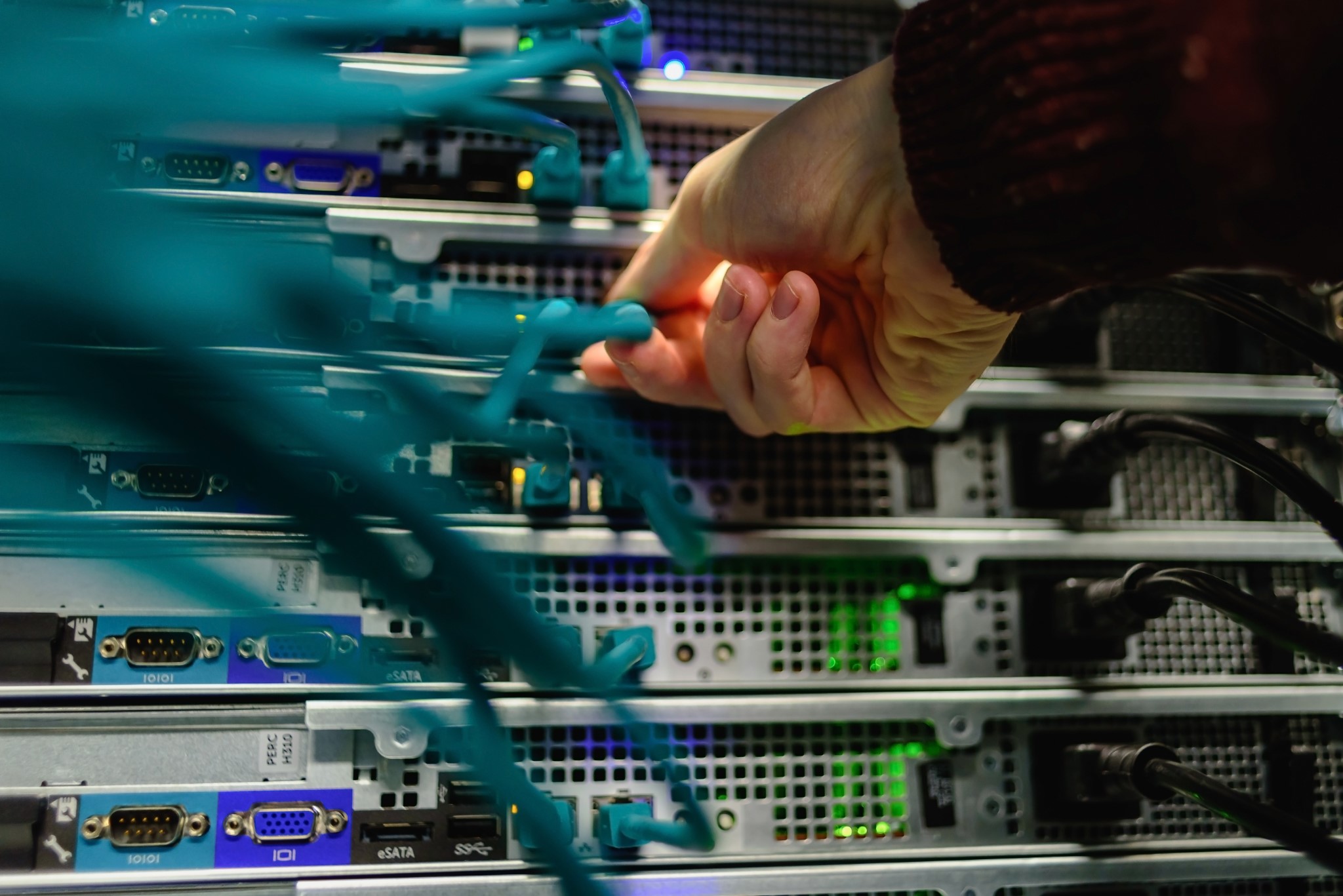
Firewall devices — which we call security walls (güvenlik duvarı) — are a security checkpoint between your computer or internal network and the outside world. They are security applications that inspect all incoming and outgoing packets and perform allow or deny operations according to the rule set they contain. These products can be delivered as a hardware device/appliance, or used as a software solution.
Firewall devices (security walls) use one or more of the following methods when inspecting incoming and outgoing packets:
The firewall will filter packets passing through it according to parameters such as packet size, source IP address, protocol, and destination port.
Linux or Windows operating systems also come with a built-in, basic security wall. You can configure these firewalls to suit your own requirements and establish a boundary between your operating system and your ethernet card.
Companies such as Sophos, Berqnet, Norton, Glasswire, and McAfee also offer personal firewall solutions for computers. These firewalls are individual or corporate software products installed on top of the operating system, either for personal or corporate use.
For large networks, more advanced solutions are used. In a corporate environment, you must use a dedicated firewall between your network and the outside world. These devices are generally described as next-generation firewall products and, in addition to packet filtering, come with features such as IPS, IDS, antivirus, hotspot, and SSL VPN.
Packet filtering firewalls are the simplest and generally the cheapest type of firewall. Of course, they have their own advantages and disadvantages compared to others. The basic firewall types are as follows:
A packet filtering firewall is the most basic type of firewall. In a packet filtering firewall, every incoming packet is inspected. Only packets that meet the criteria you have defined are permitted. In other words, incoming packets are rejected by default, and permission must be granted for a packet to pass through. You can use basic packet filtering software with many operating systems, including Windows clients (such as Windows 8 and 10) and many Linux distributions. Through these built-in applications on the operating system, you can inspect incoming and outgoing packets.
Packet filtering firewalls are also referred to as screening firewalls. They can filter packets according to many parameters such as packet size, the protocol used, source IP address, and more. Some routers also provide this type of firewall protection in addition to their normal routing functions.
Packet filtering firewalls work by examining the source address, destination address, source port, destination port, and protocol type of a packet. Based on these factors and the rules the firewall has been configured to use, it either allows or denies the packet’s passage. These firewalls are very easy to configure and inexpensive. Some operating systems, such as Windows 10 and Linux, include built-in packet filtering capabilities.
Packet filtering firewalls have several disadvantages. Looking at the disadvantages, situations such as being unable to inspect a packet or being able to confuse it with previous packets are possible. For this reason, they are highly susceptible to Ping flood or SYN flood attacks.
On the other hand, they do not provide user authentication of any kind. Since this type of firewall only examines the packet header during inspection, it has no information about the packet’s content. Naturally, there is no verification mechanism.
Furthermore, because it does not track previous packets, it has no knowledge of those packets. For this reason, if thousands of packets arrive from the same IP address within a short period, it cannot detect this as an anomaly. Of course, it will not be able to detect whether a DDoS attack is occurring either.
To configure a packet filtering firewall, it is sufficient to create the appropriate filtering rules. A set of rules for a specific firewall should cover the following situations:
These rules determine which traffic the firewall will allow and which will be blocked. Since this type of firewall uses only very limited system resources, it is relatively easy to configure. It can also be obtained from the market at an affordable price or for free.
Free or Demo Firewall Applications:
Stateful packet inspection (SPI) firewall is an improvement on basic packet filtering. This type of firewall will inspect every packet, basing its decision to allow or deny access not only on the inspection of the current packet, but also on data obtained from previous packets in the conversation. Of course, this provides an advantage over packet filtering firewalls.
This means the firewall is aware of the context in which a particular packet was sent. It also makes it less vulnerable to Ping flood or SYN flood, as well as providing protection against IP spoofing.
Stateful Packet Inspection (SPI) Firewalls — which we call SPI — are sensitive to the following types of attacks for the reasons listed below:
Today, most firewalls use the stateful packet inspection method. Of course, it is widely used and frequently preferred. The name “stateful packet inspection” derives from the fact that, in addition to inspecting the packet, the firewall also examines the state of the packet in relation to the entire IP message thread. This means the firewall can refer back to previous packets and their content, source, and destination.
An application gateway (also known as an application proxy or application-level proxy) is a programme that runs on the firewall. This type of firewall works by negotiating with various types of applications to allow their traffic to pass through the firewall. These firewalls, called proxy firewalls, are a network security system that protects network resources by filtering messages at the application layer. An application gateway firewall is also referred to as an application firewall or gateway firewall.
In networking terminology, negotiation is a term used to describe the process of authentication and verification. In other words, rather than looking at the protocol and port number used by the packet, an application gateway examines the client application and the server-side application it is trying to connect to.
It then determines whether traffic from the client application in question is permitted to pass through the firewall. This is significantly different from a packet filtering firewall, which inspects packets with no knowledge of what type of application sent them. Application gateways allow administrators to permit access only to specific types of applications, such as web browsers or FTP clients.
When a client programme such as a web browser establishes a connection with a destination service such as a web server, it connects to an application gateway or proxy. The client then negotiates with the proxy server to access the destination service.
In reality, the proxy establishes a connection with the destination behind the firewall and acts on behalf of the client, hiding and protecting individual computers behind the firewalls on the network.
This process actually creates two connections: one connection between the client and the proxy server, and another connection between the proxy server and the destination. Once a connection is established, the application gateway makes all decisions about which packets will be forwarded. Since all communication takes place through the proxy server, the computers behind the firewall will be protected.
This type of firewall allows authentication on traffic on the individual side. This becomes an advantage and makes it highly effective at blocking unwanted traffic. However, a disadvantage of these firewalls is that they consume a great deal of system resources. The process of authenticating client applications uses more memory and CPU than simple packet filtering. Naturally, system resources must be generous and consumption must be carefully monitored.
Application gateways are also susceptible to various flood attacks (such as SYN and Ping floods) for two reasons. At this point, remember that both the client application and the user may need to be authenticated.
For this reason, a series of connection requests can overwhelm the firewall and prevent it from responding to legitimate requests. Application gateways may be more susceptible to flood attacks because once a connection is established, packets are not checked. If a connection is established, that connection can be used to send a flood attack to the server it is connected to, such as a web server or email server.
This vulnerability can be mitigated to some extent through user authentication. Provided the user login method is secure (appropriate passwords, encrypted transmission, and similar), this reduces the likelihood of a person being able to use a legitimate connection through an application gateway for a flood attack.
Circuit-level gateway firewalls are similar to application gateways but are more secure and are generally applied to higher-tier equipment. This type of firewall also uses user authentication, but performs it much earlier.
With an application gateway, access is first checked for the client application and then the user’s identity is authenticated. With circuit-level gateways, authenticating the user is the first step. The user’s login ID and password are checked and the user is granted access before a connection is established to the router.
This means that every individual must be verified by username or IP address before any communication can take place.
Once this verification takes place and the connection between source and destination is established, the firewall transmits bytes between the systems. There is a virtual “circuit” between the internal client and the proxy server. Internet requests pass through this circuit to the proxy server, and after the proxy server modifies the IP requests, they are forwarded to the internet. External users only see the proxy server’s IP address.
Responses are then received by the proxy server and sent back to the client via the circuit. It is this virtual circuit that makes circuit-level gateways secure.
The dedicated secure connection between the client application and the firewall is a more secure solution than other options such as packet filtering firewalls and application gateways. While traffic is permitted, external systems cannot see internal systems.
Traditional firewall technology brings with it additional functions such as encrypted traffic inspection, intrusion prevention systems, antivirus, and much more. Most importantly, they have deep packet inspection (DPI) capability. Whilst standard firewalls only look at packet headers, firewalls that require deep packet inspection can also identify, categorise, or cause packets containing malicious code to be stopped.
Evolving threats, expanding systems, and the effective and versatile attack vectors used by cyber attackers are compelling users to adopt comprehensive solutions. Next-generation firewalls combine the capabilities of a traditional firewall with network intrusion prevention systems to keep threats under control.
Next-generation firewalls are designed to examine and detect threats such as advanced malware in greater detail. Through the features they offer, they provide a comprehensive solution. These advanced, next-generation firewall devices — generally referred to as NGFW (Next Generation Firewall) — are frequently used by enterprises and large networks.
You May Be Interested In These